

Compatible iPhone & iOS
Tap to Pay on iPhone
Use iPhone to accept contactless payments
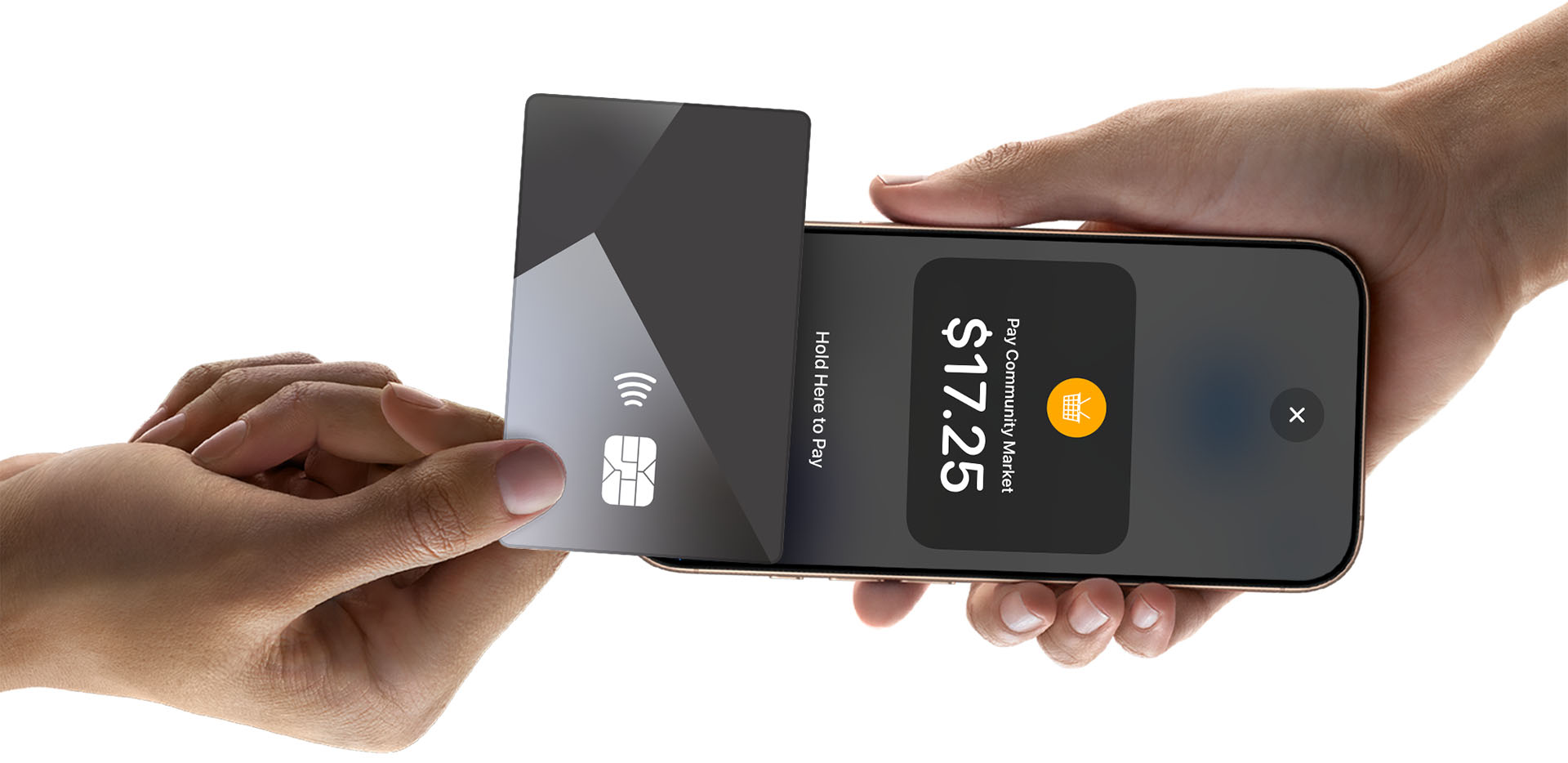
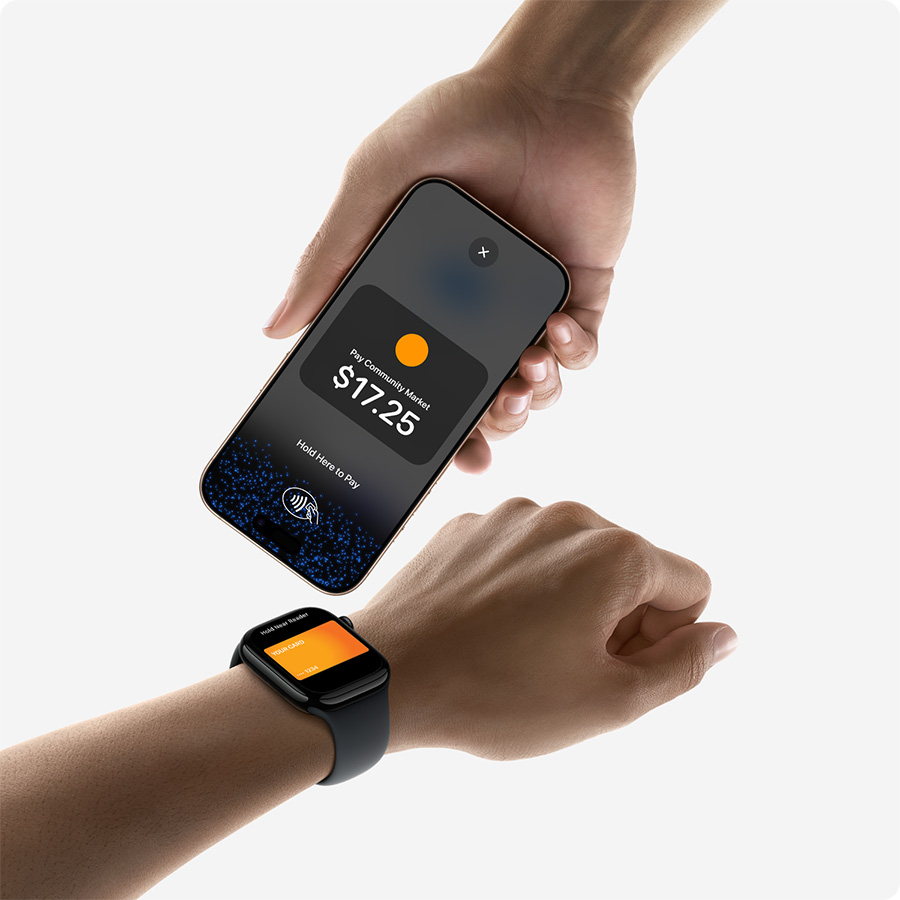
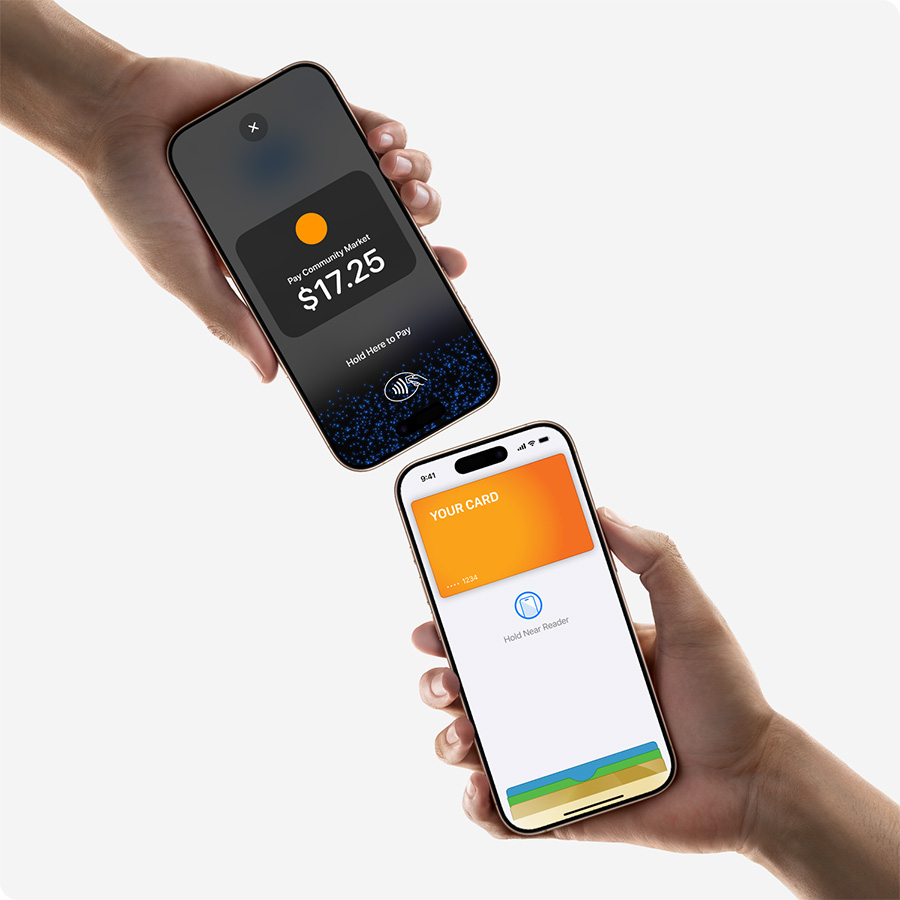
With Tap to Pay on iPhone and Authorize.net, you can accept all types of in-person, contactless payments right on your iPhone—from physical debit and credit cards to Apple Pay and other digital wallets—no extra hardware needed. It’s easy, secure, and private.
Expand where you do business
With Tap to Pay on iPhone, you can accept all types of in-person, contactless payments right on your iPhone and expand how and where you do business. Reach new customers with a simpler checkout experience, take payments on the go, and explore new setups, like line busting. All you need is your iPhone and the Authorize.net 2.0 app. No extra hardware needed.
No additional hardware required
Whether you are starting a new business or looking to expand, Tap to Pay on iPhone allows you to accept all types of in-person, contactless payments right on your iPhone. So there’s no need to invest in or manage card readers and terminals. All you need is your iPhone and the Authorize.net 2.0 app.
Privacy and security of iPhone built in
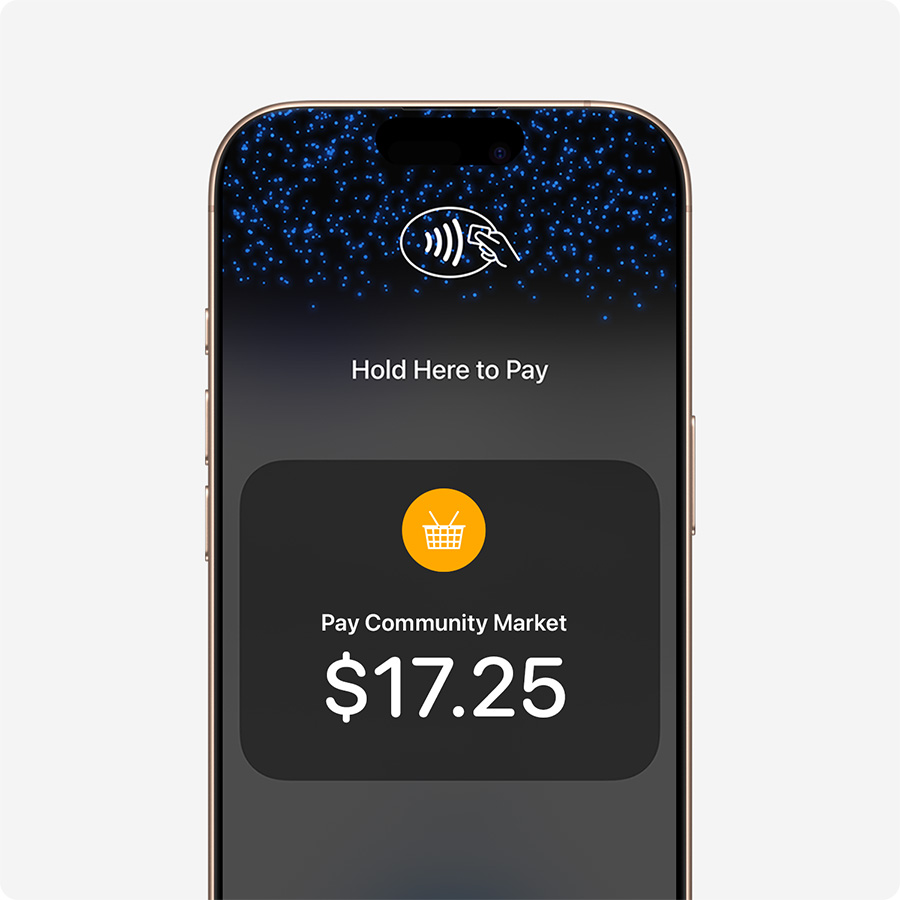
Tap to Pay on iPhone uses the built-in security and privacy features of iPhone to help protect your business and customer data. When a payment is processed, Apple doesn’t store card numbers or PIN information on Apple servers. So merchants and customers can rest assured that their data stays theirs.
PIN transaction protection
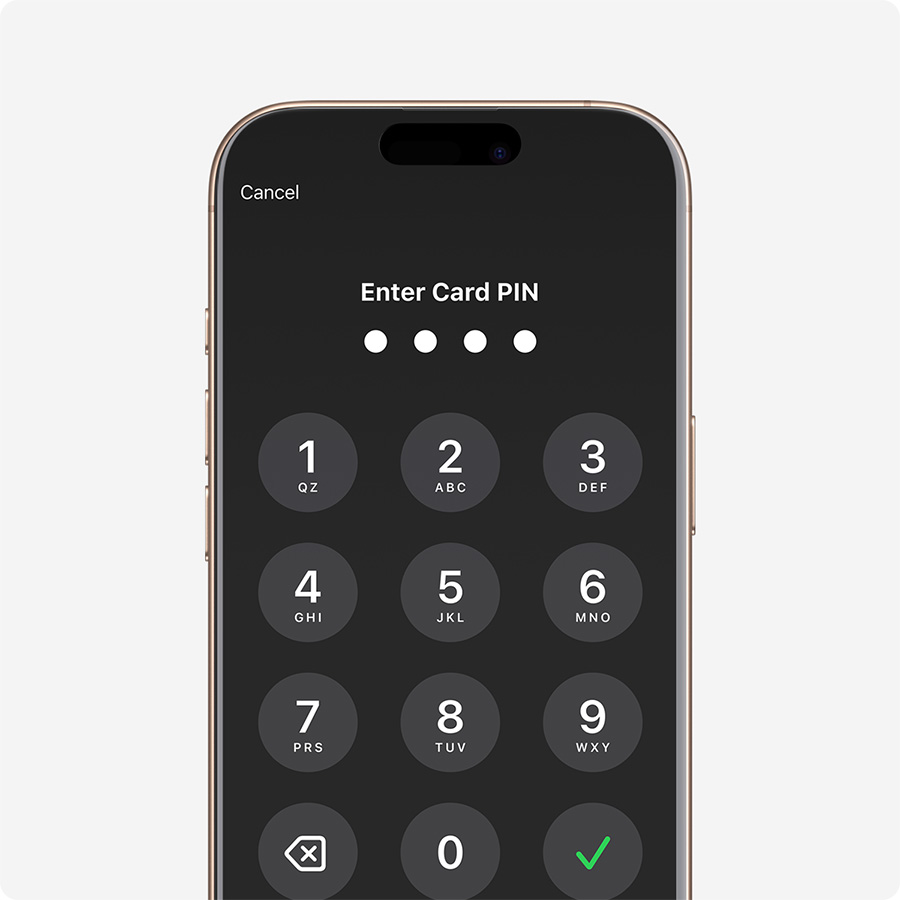
Transactions that require PIN entry will automatically prompt a PIN entry screen when using Tap to Pay on iPhone. During a transaction, Tap to Pay on iPhone is designed to prevent all photo, video, screenshot, and screen-recording features on the merchant’s iPhone from capturing a customer’s card number or PIN information.

Accessibility features built in
For customers needing visual or other assistance, accessibility options are built into Tap to Pay on iPhone to help them securely enter PIN information. Audible instructions guide customers to draw their PIN on the screen or tap the screen to indicate each digit—tapping once for 1, twice for 2, and so on. To submit their PIN, they simply swipe right with two fingers.


It's easy to get started

Sign up

Start accepting in-person, contactless payments anytime, anywhere—right on your iPhone
Requirements

iPhone X (10) or later running iOS 18 or later is required to accept contactless payments.

Authorize.net account and app
An active Authorize.net merchant account and the Authorize.net 2.0 mobile app are required.

Availability
Currently available to businesses in the United States only on the TSYS and FDN processing platforms.
Frequently asked questions

Tap to Pay on iPhone lets you accept in-person, contactless payments using only your compatible iPhone. No terminals, card readers, or extra hardware needed.
You can accept contactless credit and debit cards, Apple Pay, and other supported digital wallets and wearables.
Just download the Authorize.net 2.0 mobile app, sign in with your Authorize.net account, and start accepting payments. It only takes a few minutes to enable your device with Tap to Pay on iPhone.
Tap to Pay on iPhone requires iPhone X (10) or later running iOS 18 or later.
Yes. Payments are encrypted, PCI-compliant, and protected by Authorize.net’s fraud tools. Card data is never stored on the device or Apple servers.
Anywhere your business operates: pop ups, events, curbside, table side, job sites, or at your counter. If your business moves, your payments can too.
No. Tap to Pay on iPhone eliminates the need for dongles, terminals, or card readers. Your iPhone does it all.
Yes. It’s designed for mobile-first SMBs, from food trucks and makers to freelancers, service pros, and retailers who want flexible, line busting checkout options.
Absolutely. You can send digital receipts to customers directly from your device or share printed receipts if you’re connected to a compatible printer.
Tap to Pay on iPhone is currently available to businesses in the United States only on the TSYS and FDN processing platforms. If you have any questions about your eligibility, please contact our support center.
Tap to Pay on iPhone lets you accept in-person, contactless payments using only your compatible iPhone. No terminals, card readers, or extra hardware needed.
You can accept contactless credit and debit cards, Apple Pay, and other supported digital wallets and wearables.
Just download the Authorize.net 2.0 mobile app, sign in with your Authorize.net account, and start accepting payments. It only takes a few minutes to enable your device with Tap to Pay on iPhone.
Tap to Pay on iPhone requires iPhone X (10) or later running iOS 18 or later.
Yes. Payments are encrypted, PCI-compliant, and protected by Authorize.net’s fraud tools. Card data is never stored on the device or Apple servers.
Anywhere your business operates: pop ups, events, curbside, table side, job sites, or at your counter. If your business moves, your payments can too.
No. Tap to Pay on iPhone eliminates the need for dongles, terminals, or card readers. Your iPhone does it all.
Yes. It’s designed for mobile-first SMBs, from food trucks and makers to freelancers, service pros, and retailers who want flexible, line busting checkout options.
Absolutely. You can send digital receipts to customers directly from your device or share printed receipts if you’re connected to a compatible printer.
Tap to Pay on iPhone is currently offered in the United States only.
Tap to Pay on iPhone is currently available only on the TSYS processing platform. If you have any questions about your eligibility, please contact our support center.
Get started with Tap to Pay on iPhone and Authorize.net today
Legal disclaimers
Tap to Pay on iPhone requires a supported payment app and the latest version of iOS. Update to the latest version by going to Settings > General > Software Update. Tap Download and Install. Some contactless cards may not be accepted by your payment app. Transaction limits may apply. The Contactless Symbol is a trademark owned by and used with permission of EMVCo, LLC. Tap to Pay on iPhone is not available in all markets. For Tap to Pay on iPhone countries and regions, see countries and regions.